Wedding Invitation
I remember going through the many templates to find the right wedding invitation when my husband and I got married. I was overwhelmed with everything from finding the right colors to what fit in our budget. I ended up with an invitation that had our picture on it, had a tear-off RSVP postcard to mail back, and was very budget-friendly. My only drawback was the color – it was an invitation that you could change the color films ( as in the flowers and leaves would be all purple or all blues oranges) you couldn’t change just the leaves to green or just the flowers to purple or orange. It was a beautiful invitation, but I decided to create a different one that I could manipulate and fit the color scheme of purple and orange for my wedding just for fun.
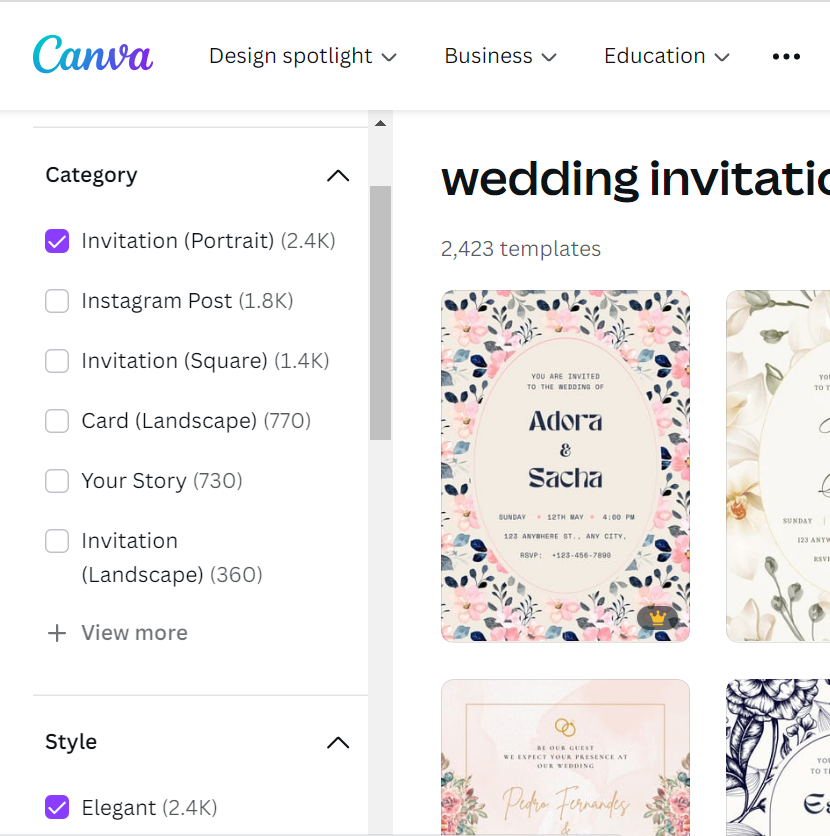
- Log into Canva and in the search box type wedding invitations and then browse through the different templates
- I used the different filters on the side to narrow down my search by category, style, theme, and color to find the right template
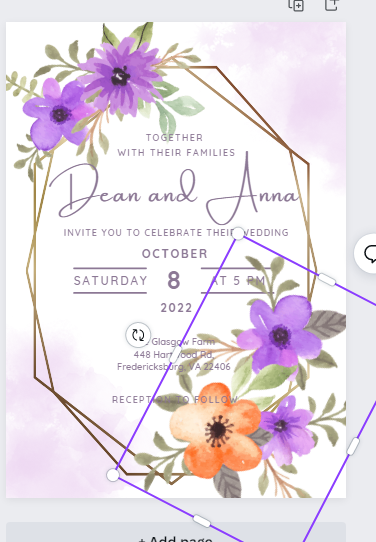
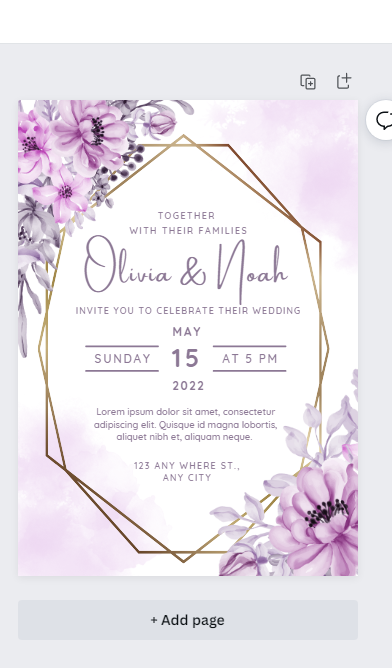
- After seeing a lot with purple flowers that were beautiful, I came across the Purple Floral Gold Frame template
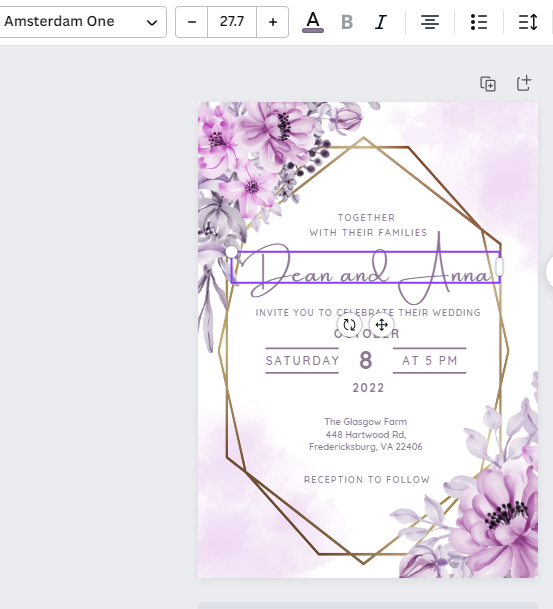
- Change out the text to reflect your wedding information
- Change the font if it is too formal or too casual for you
- If you want to change out the frame or flowers – select them and hit delete on your keyboard and then from the left side menu, select elements, and then in the search bar type frames or flowers – find one that fits your style and click on it to add it to your design, I ended up changing the flowers when I came across some that were both purple and orange and also changed out the frame to one that was not as bold
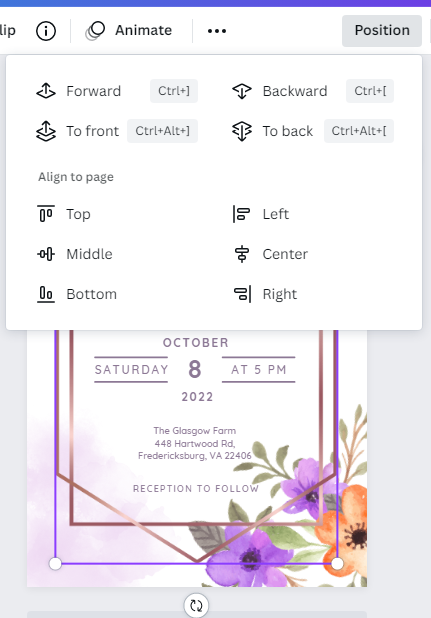
- To move something behind another element, select the element and then click on the position and select forward, backward, etc…
- Use the circle on the edges of your elements to make them bigger or smaller and the two circle arrows to flip the complete around or angle them
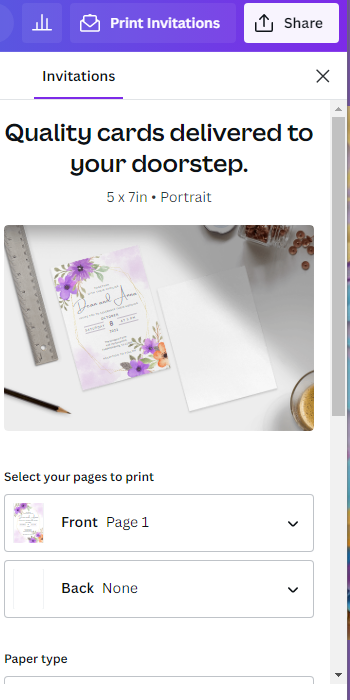
- When you are finished you can either print directly from Canva and order them or you can use the Share button and select download to save a png copy to your computer and print them yourself